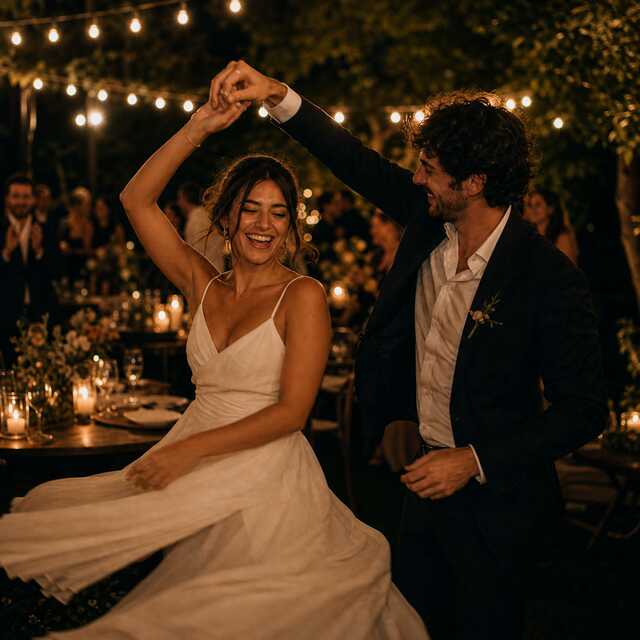

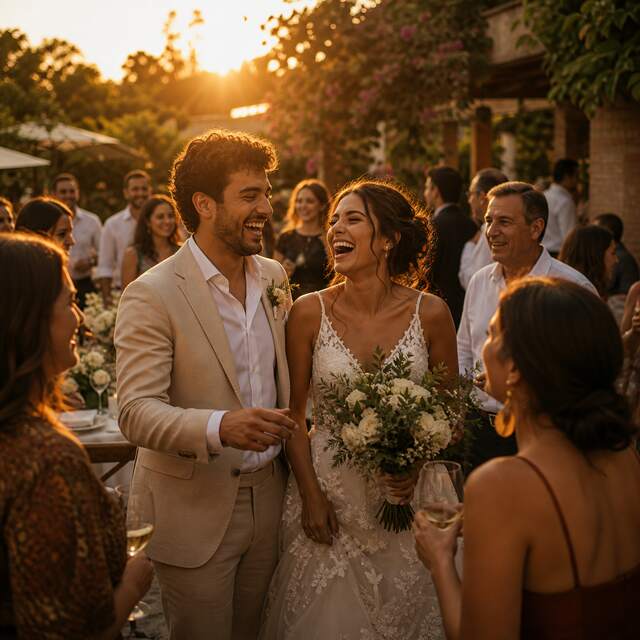


Put one QR where people pause
Print the free sign or put it on a screen: the welcome table, the bar, wherever phones already come out.
Live demo: a drop, replaying now · 184 photos
One QR code collects every guest's photos in one private album. No app, no accounts, and your first 100 photos are free.
No appNo accountsFree QR signOne price per event
Print the free sign or put it on a screen: the welcome table, the bar, wherever phones already come out.
The upload page opens right in their browser. Grandma can do it mid-toast, no app, no sign-ups.
Every photo lands in your private dashboard in seconds. Choose Live and the room watches them arrive on the venue screen too. Download them all at once at the end.
On the free album your guests keep uploading, up to 300 photos, and every one is held for you. Any paid tier lets you see and download up to 5,000.
Live demo: your event ends and the clock starts
47:59:52
48 hours to download · you take home the first 100 free
Photodrop charges for the event you are hosting, once. No subscription, no renewals.
$0
The whole event, on us.
$29
Everything your event needs. One payment.
Uploads keep going past 100, even on Free: Photodrop holds the extras (a free drop accepts up to 300 photos) and one payment opens them all.
When the album closes, the photos leave our servers.
We keep nothing. You keep everything.
Photodrop for memorials
One code at the service. The photos people carry gathered in one place for the family to keep.
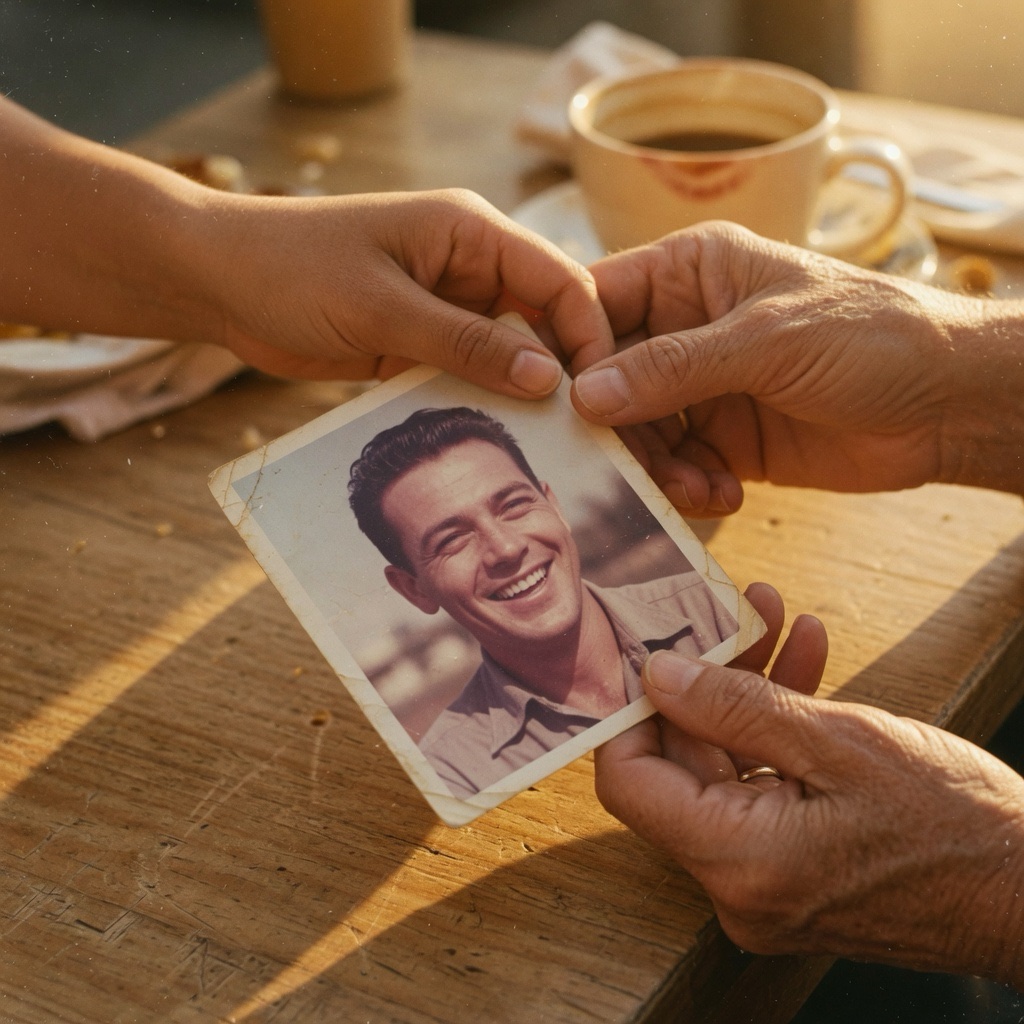
The print studio
Create your album and the studio dresses the party: a welcome sign for the entrance, table cards, mini cards for every place setting. The QR on every piece opens your album.
The studio opens the moment your album exists. No design apps, no templates to edit.


Included with The Full Event
The Full Event includes three matched pieces with your event's name already on them: a welcome sign ready for an 8x10 frame, a table card, and photo idea cards you write yourself. It also opens the whole print studio: every look, numbered table cards, mini cards, and your own line on the sign.
Still deciding?
Most hosts start by improvising a shared album. Here is an honest look at how that goes at a real event, and when it is actually enough.
Quick answers
Guests scan the QR code and upload from their phone's browser. There is nothing to install and no account to create.
Free for your first 100 photos, with every guest uploading all event long, up to 300 photos. If you want everything, you pay once per event: The Full Event at $29, or The Keepsake at $59 to keep the album open a full year. No subscription, ever.
You set the date when you create your album. The free plan closes 48 hours after your event day ends, so you can create it days ahead without losing anything. Celebration running more than one day? Enter the last day. With The Full Event the album stays open 30 days, with The Keepsake a full year.
A drop holds your event's photos until the album closes, then they leave our servers. You download everything before that, and it stays with you.
Your guests stop seeing the album, but you still have a few days to download everything at your own pace. Then the photos leave our servers for good. We keep nothing. You keep everything.
Print one proof and scan it with at least two phones before your event.
You can, and for a small group where everyone has a Google account, it may be enough. At a real event most guests will not sign in to anything. Photodrop needs no accounts, and we compare the two honestly on the site.
Free for your first 100 photos. No app, no accounts, one QR.
Start your drop, free